Listening to records in Call History
When a caller leaves you a voicemail or if you enabled call recording option, you can access the recorded files in your Call History.
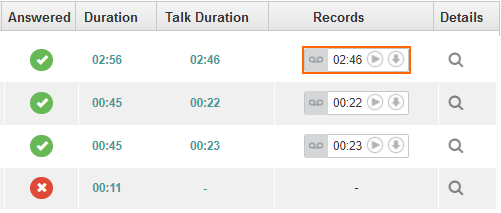
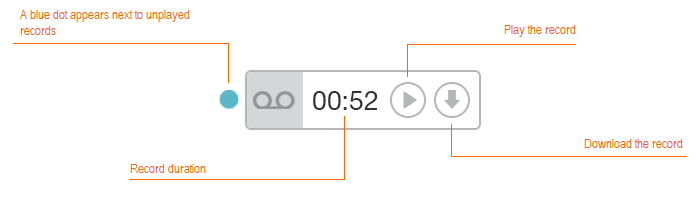
To listen a record, click on the first icon. To save the record on your computer, click on the second icon. The file will be saved in .mp3 format.